

Configuring Lightning Threat Zone
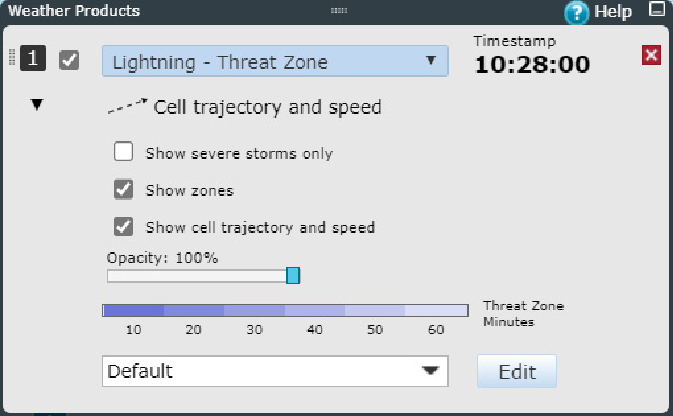
Choose the product from the Weather Products pane.
-
Click
 to show the detailed product settings.
- Choose the data you want to have visualized with Show severe storms only, Show zones, and Show cell trajectory and speed.
- Use the Opacity slider to adjust the opacity of the Lightning Threat Zone layer.
- Choose the color scale from the Color scale pulldown bar.
- Click Edit to edit the selected color scale or create a new color scale.
-
Click
 to hide the detailed product settings.