

Selecting map projection
You can select which map projection to use when viewing single sites and composite sites. This setting is organization-wide, so all users will see maps in this projection.
This functionality only works with radar and lidar products.
 | WMS layers are only available in certain projections. You can only view those external WMS layers that support the projection you are currently viewing. |
- Log in to IRIS Focus as poweruser.
-
Select Map Projection.

The map selection window opens.
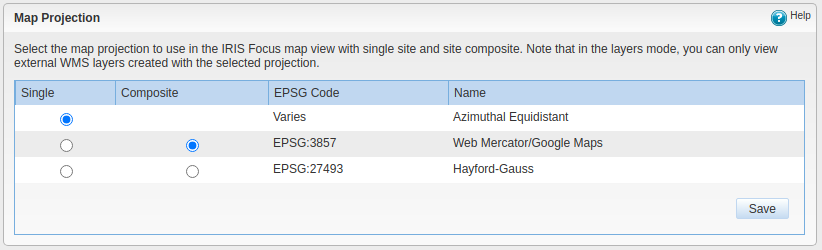
- Select the projection for single sites and for composite sites.
- Select Save.