

Showing and hiding places of interest on the map
You can select whether areas of interest and pins are shown on the map.
If alerts are enabled for an area of interest, you will receive weather alerts in the area even if the area is not shown on the map.
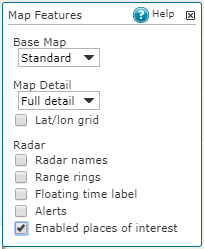
To see pins and areas of interest on the map, do the following:
- Select Map Features.
- Select Enabled places of interest.