

Creating areas of interest
-
Select .
The Places of interest pane opens.
-
Select the type of area you want to create: Polygon or Circle.
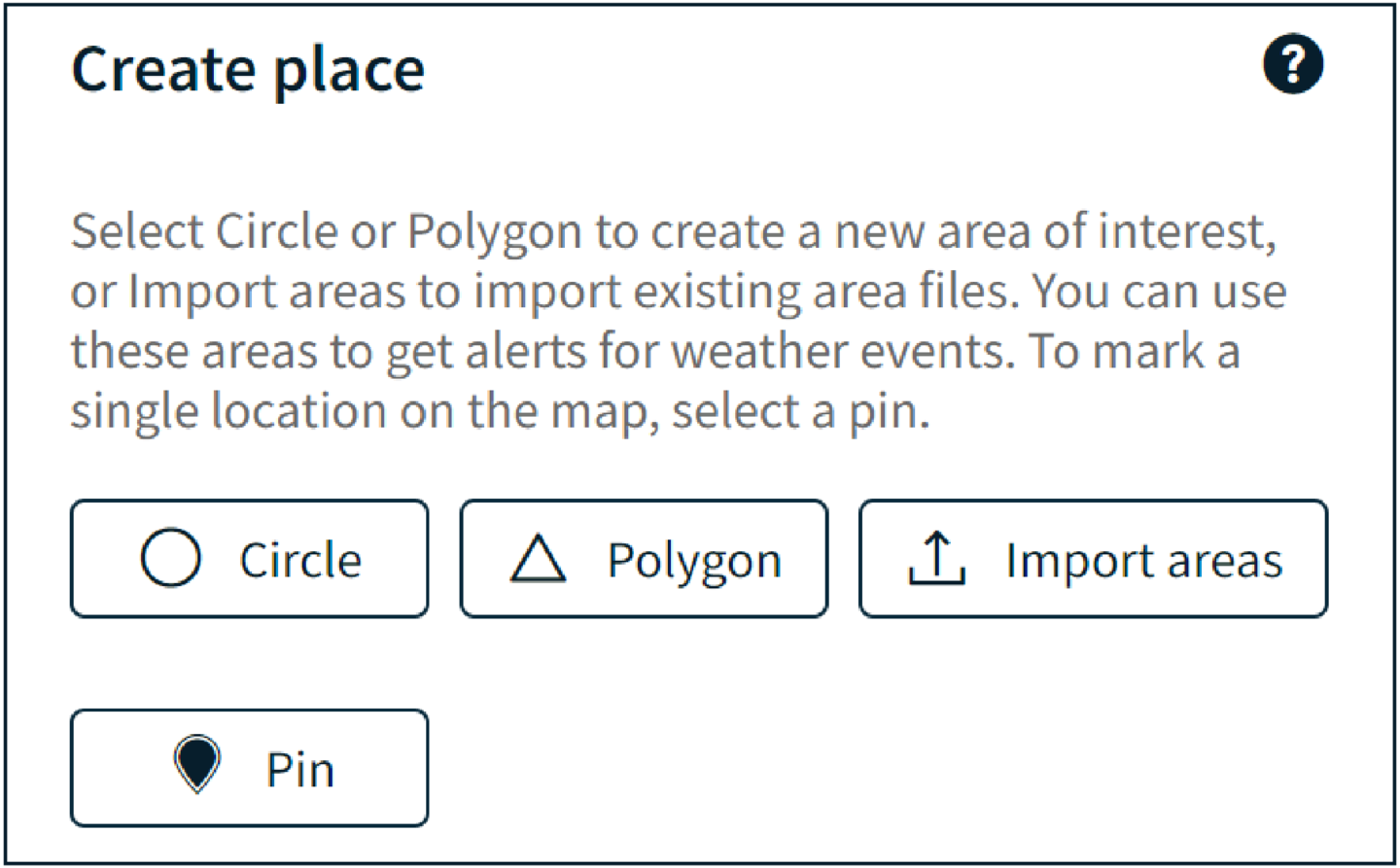
- Draw the area on the map.
- Give the area of interest a unique name.
- If you want to show the area name on the map, select Show name on map .
-
Configure alert settings for the area.
-
Select whether you want to enable alerts within this area.

Caution If the Enable alerts in this area checkbox is not selected, you will not receive weather alerts for the area.
-
Select the severity of alerts triggered on this area in the Alert
severity drop-down list.
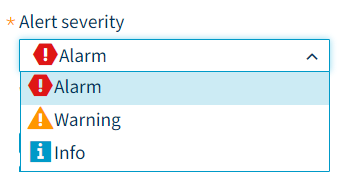 The options are:
- Information: lowest level of alert
- Warning: middle level of alert
- Alarm: highest level of alert
-
Select whether you want to enable alerts within this area.
-
Select the weather events that you want to monitor in this area. When the monitored
weather event occurs in this area, an alert is triggered.

The weather events are created in the system by poweruser. - Select Save.