Alerts on the screen
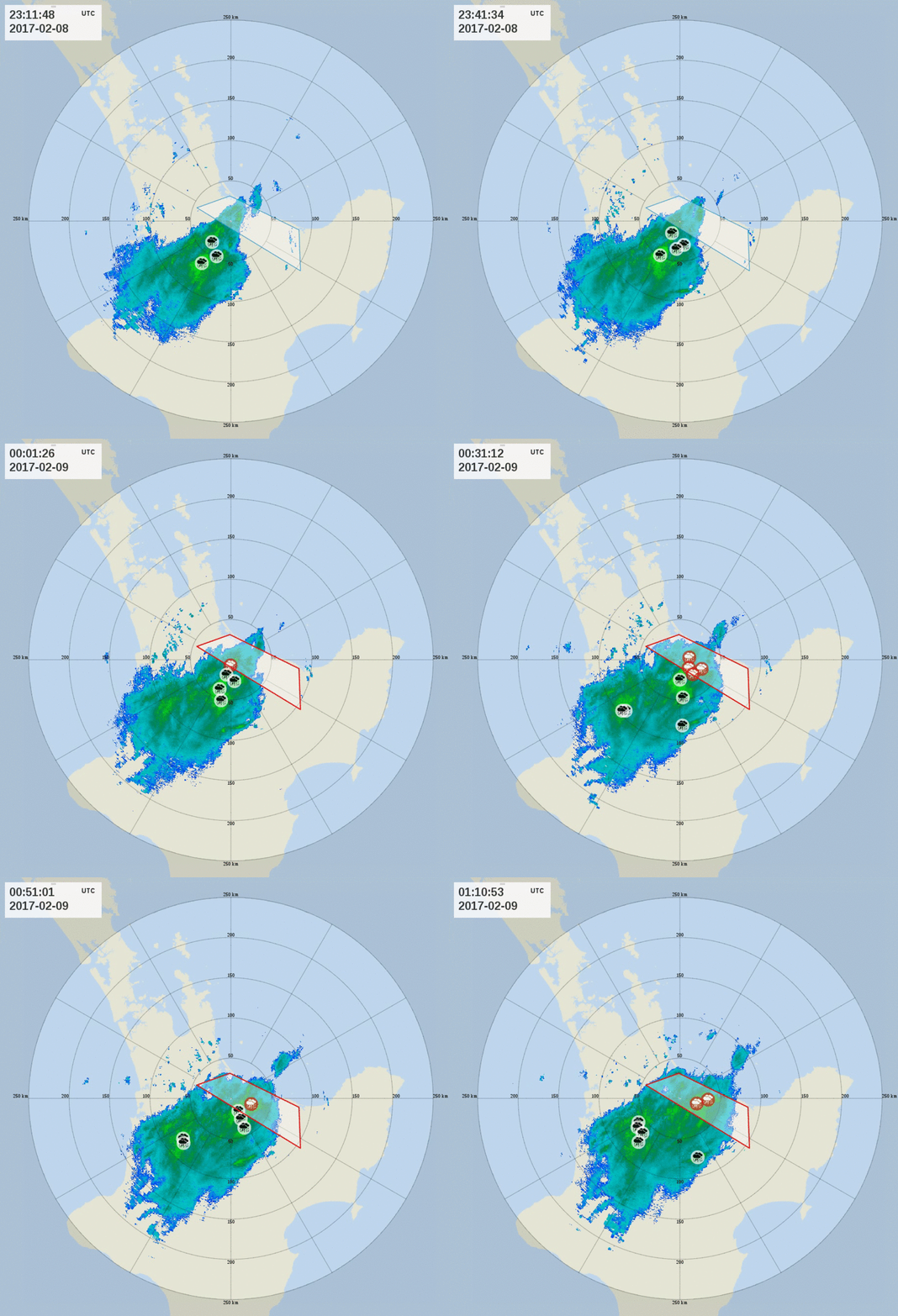
When a weather event triggers an alert, both the weather event icon and area of interest appear in a different color on the map. You can hover over the area to show more information about the alert. For example, you can see which device generated the data that triggered the alert.
The number of active alerts is shown on the Alerts button at the upper right corner of the screen. Click the button to see a list of alerts.