Alert notifications
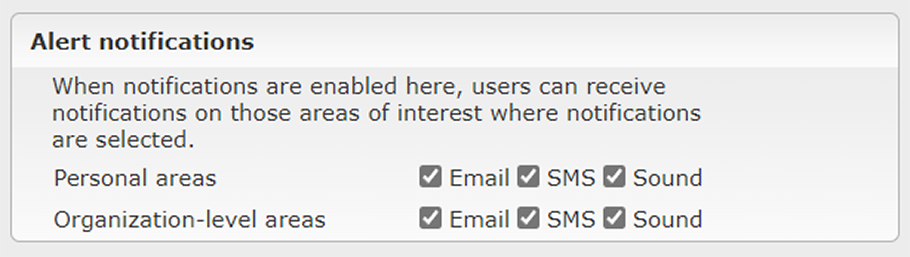
IRIS Focus can send notifications to users when an alert is triggered within an area of interest. All users with a focus role can configure notifications for their personal areas of interest. Users with poweruser role can configure notifications for organization-level areas of interest.
The types of notifications available are sound, SMS, and email.
For personal areas of interest, notifications are sent according to personal email or SMS settings. For organization-level areas of interest, the poweruser can configure the system to send notifications to selected people or email distribution lists.
The user will receive a notification when the area of interest goes into an active alert state, and the user can specify whether to receive a notification when the area is cleared of alerts.
To make sure users hear the sound notifications right away when alerts are triggered, enable the web browser to play sounds by default.
Notification settings for areas of interest

Personal preferences for notifications
You can use the settings in the Preferences tab to define whether you will receive alert notifications. For example, you might like to turn the notifications off when you go on a vacation.
 |
If you are on a distribution list to receive notifications from organization-level areas of interest, you will receive those notifications even if you have disabled notifications in Preferences. This setting only applies to notifications that have your individual email address or phone number as a recipient (such as firstname.lastname@organization.com), not to notifications that have a distribution list as a recipient (such as all-meteorologists@organization.com). |