

Publishing notifications on login page
The application login page contains text fields where you can publish your own status messages or other notifications.

- Log in as admin.
- Select .
-
Type a Notification text or a Welcome text.
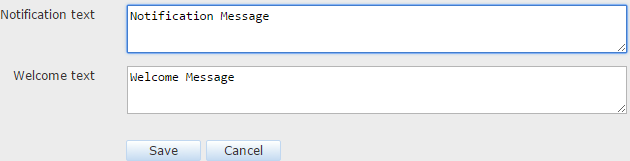
- Select Save.