

Users view
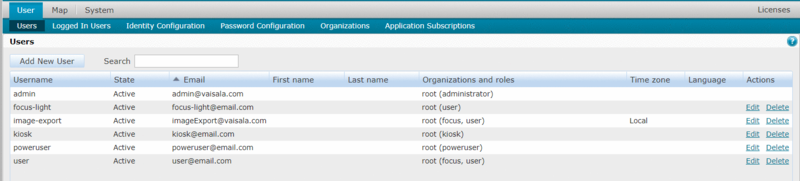
The currently defined user accounts are listed in the view.
User accounts have the following parameters:
-
Username - Permanent ID for the user. Used when logging in.
-
State - Set as Active to enable login for that account. Set as Locked to disable the account without deleting it.
-
Email, First name, and Last name.
-
Organization and roles - Which organization(s) the user belongs to and what features of the application the user can access.
If a user account belongs to multiple organizations, the user roles are applied according to the organization that has the highest Rank.
-
Time zone and Language.