

Radar and lidar sites
With IRIS Focus, you can view data from any device in your network. The device site selector shows your weather radar and wind lidar sites.
To get a bigger picture, select a pre-defined composite site or create a dynamic composite to view composite data from many radars or lidars.
-
In the top menu, select Change Site.
The radar site selector mode starts, showing:
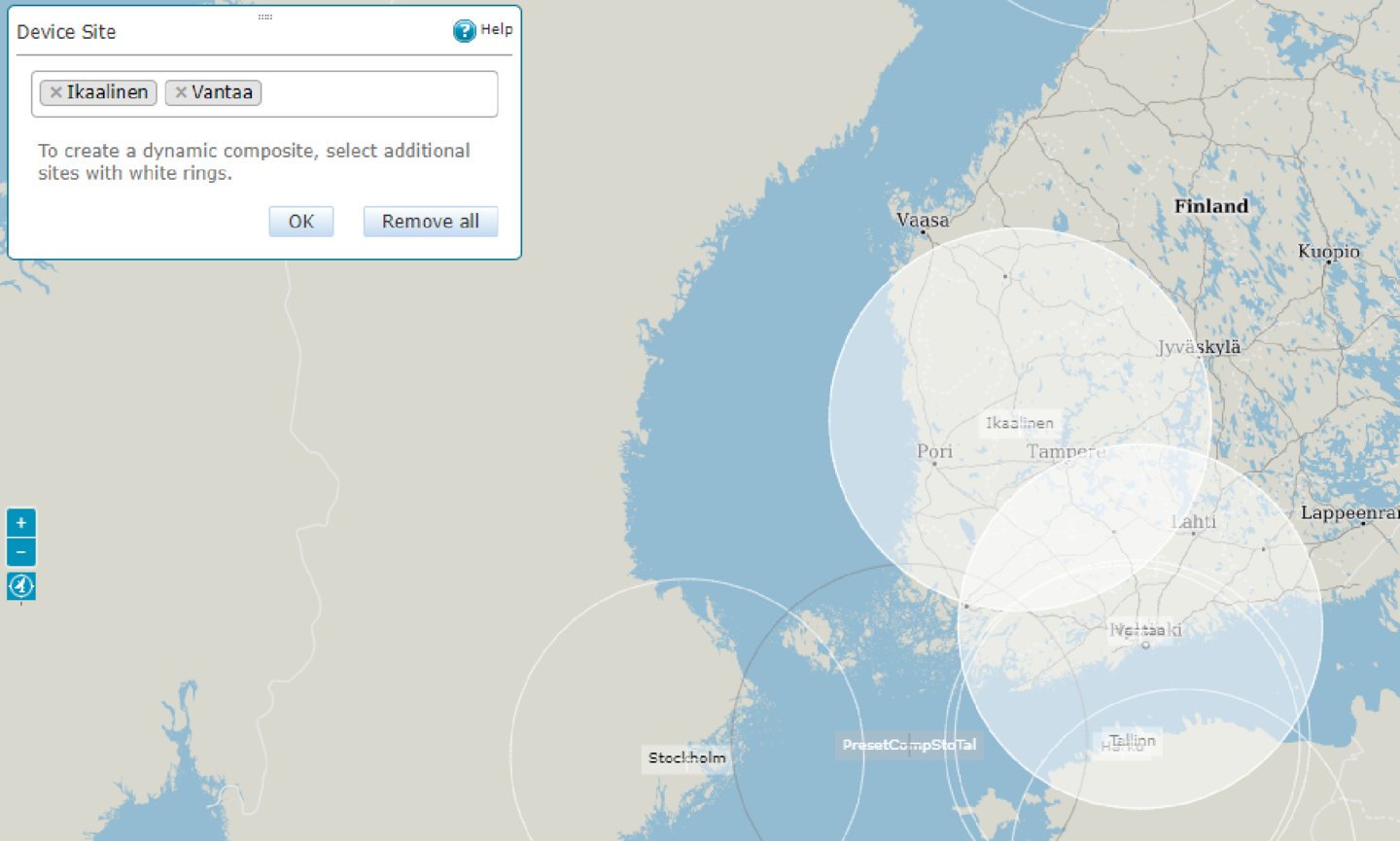
- A map view with the available radars, lidars, and composites shown on the map
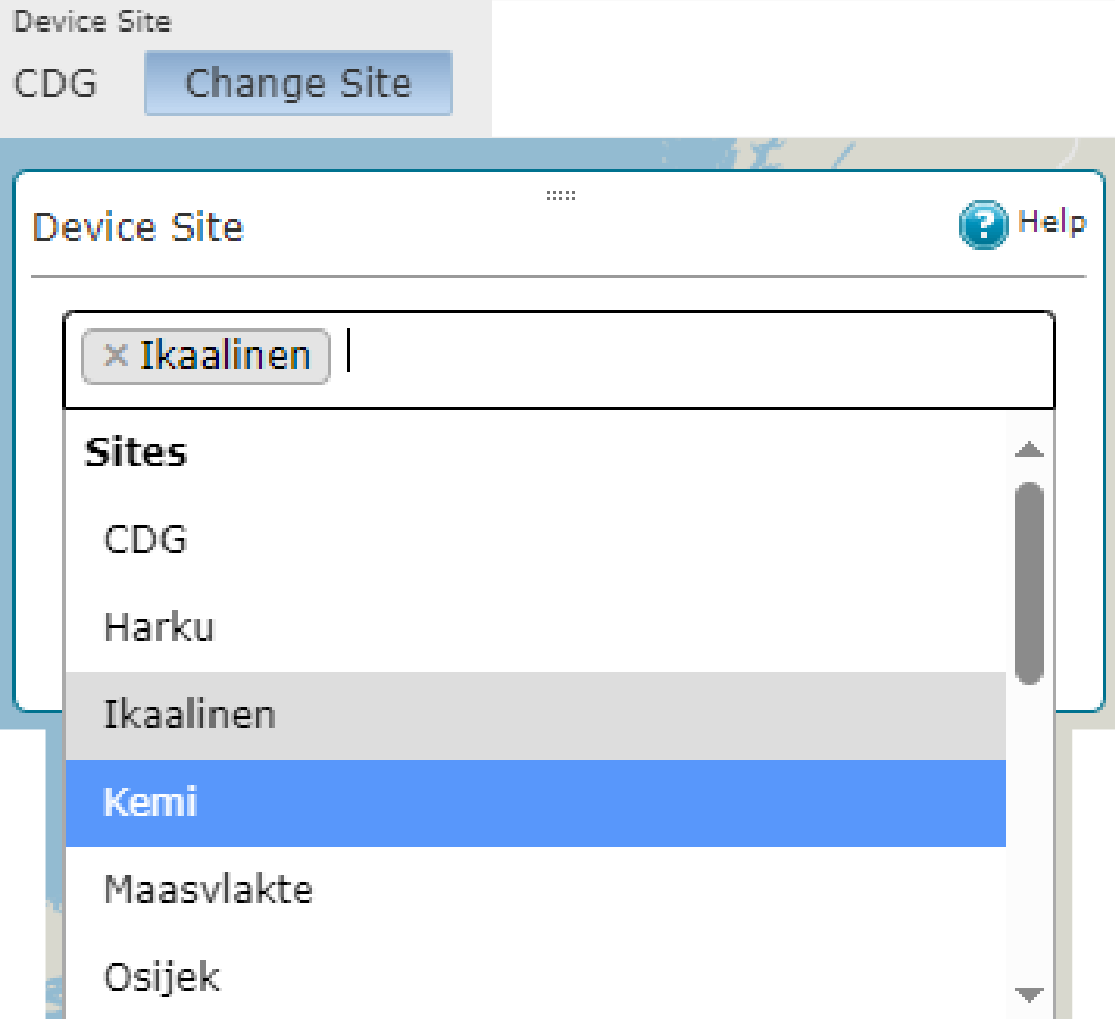
- A site selector window listing the available radars, lidars, and composites
-
To select one or more sites, do one of the following:
-
On the map, select one or more site rings.
-
In the Change Site pane, select the site selection field to show the list of available radars and lidars, and select one or more sites on the list.

Select sites indicated with white rings to create dynamic composites. The selections are indicated on the map and listed in the Change Site pane.
-
-
Select OK.
The map shows data from the selected site or composite.