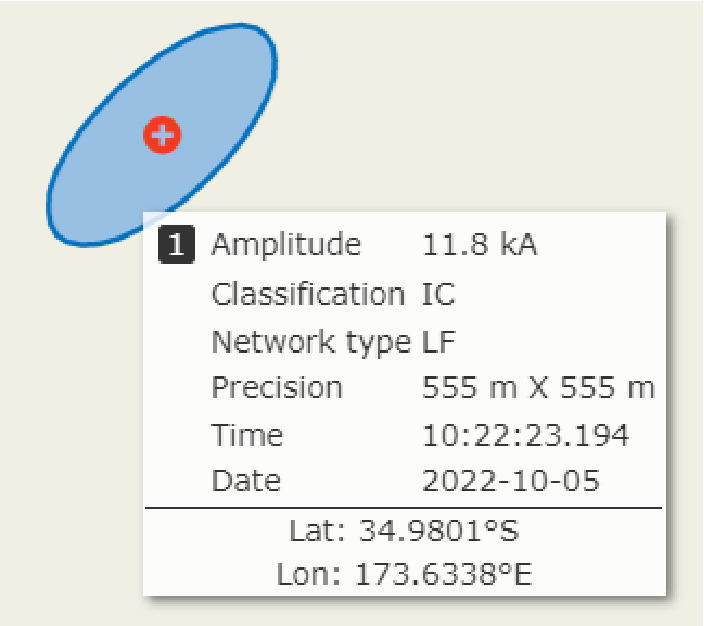
Cursor tool for TimeSpan
For the TimeSpan product, the cursor tool shows information about the latest lightning event when hovering over the icon on the map.
Depending on the network type, the cursor tool shows the time, location, amplitude, precision, and type of the lightning event. The cursor tool also shows the network type. Additionally, the error ellipse is shown, and this represents the location accuracy of the lightning event.